
 Award
Award 

How to Make AI Art on Your Phone (2026)
Updated: 2026-08-07
No drawing skills, no PC. Text or a photo becomes AI art in about 10 seconds. Steps, prompt tips and troubleshooting with SUPPART.
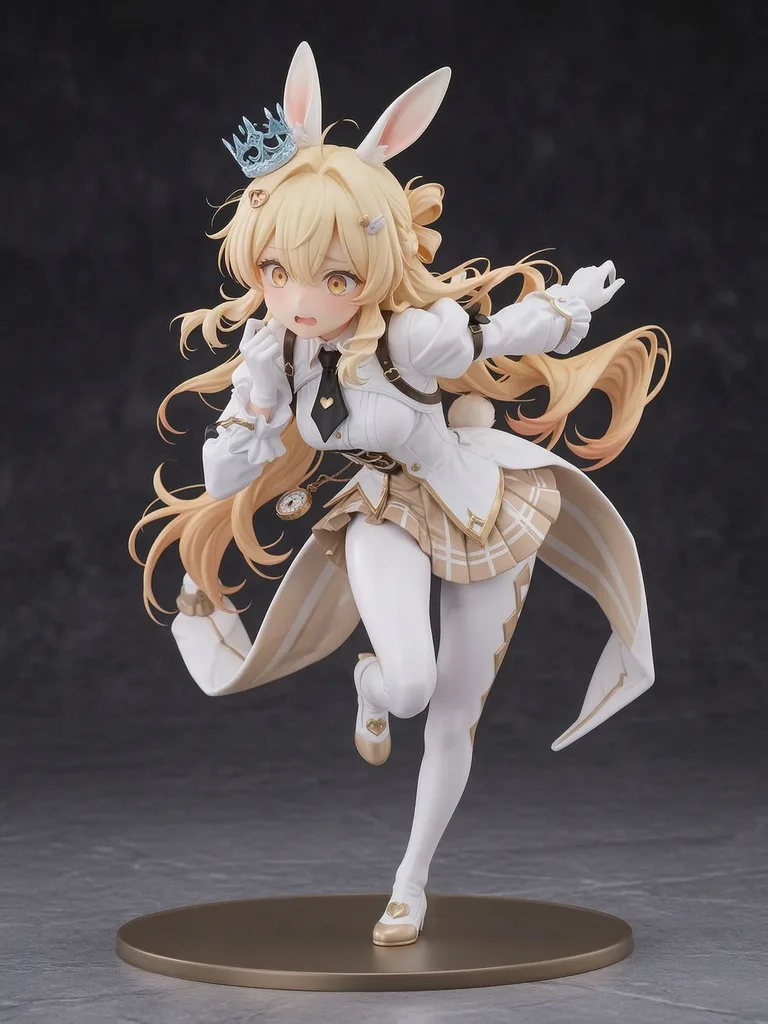
Bottom line: phone-only works now
No PC, no GPU, no Discord. Type a short idea or upload a photo on iOS, Android or the web and get anime art in about 10 seconds. Free to start, 150+ one-tap styles, and you can try styles before signing up.
What you need (and what you do not)
A phone and a connection. You do not need a GPU, a Discord account, English prompt skills or a paid subscription for your first image. A short note about what you want — and a clear photo if you are converting one — is all that helps.
First image in 3 steps
Open the app or m.suppart.app → pick a style from 150+ (anime, watercolor, oil, pixel, realistic) → type a short prompt or upload a photo → generate. It takes about 10 seconds. Save it, or post it to the community.
Prompt tips: three words are enough
Subject, place, mood. Example: "silver-haired girl, rooftop at night, neon." Later, add short tokens for hair colour, eyes, outfit, pose, framing and style. Change one word at a time so you can tell what actually moved the result.
Choosing a style
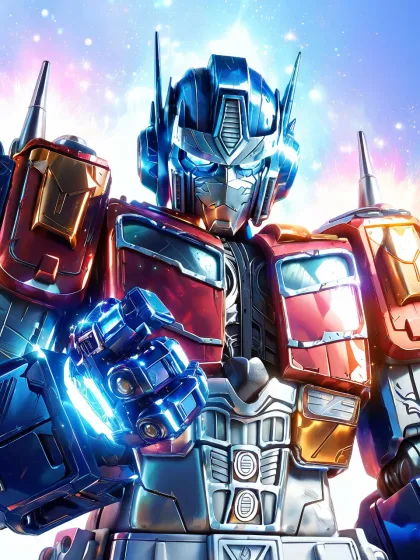
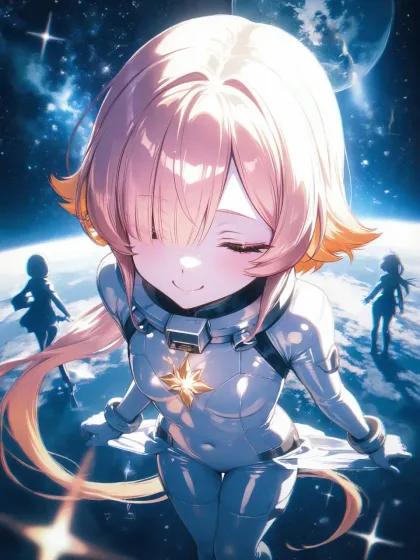
Work backwards from the use. Crisp line styles read well as small profile pictures; detailed backgrounds suit wallpapers; pixel art suits small retro pieces. You can browse community posts to see a style before you use it.
Starting from a photo
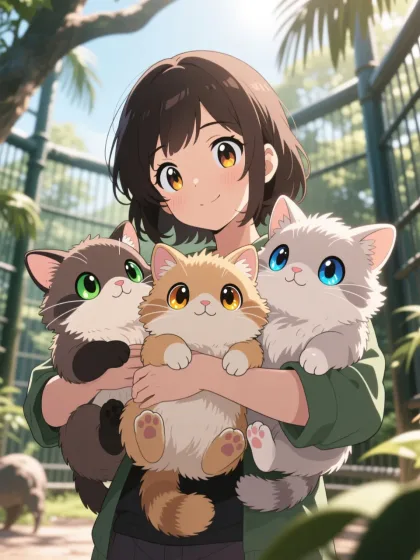
Upload a selfie or full-body shot and pick an anime-leaning style. Clear faces and even lighting convert most reliably. The photo-to-anime guide covers this in detail.
Troubleshooting
If the result misses, first remove words — too many elements dilute everything. Then change the style. Then add what you do want instead of writing negatives. For full-body shots, add a framing word such as "full body".
What is free
Free to start, with starter generation credits on signup. Photo-to-anime needs no separate purchase. Membership and coins add volume, watermark-free HD saves and member-only styles once you want them.
What people do with the results
Profile pictures on X, Instagram, Discord and LINE, phone wallpapers, and reference art for fan projects. Daily contests inside the app let you enter finished pieces for prizes.
Read next
The photo-to-anime how-to, the app comparison table, and the Japan-wide events guide.