
 Award
Award 

How to Turn a Photo into Anime Art (Free, ~10s)
Updated: 2026-08-07
Turn a selfie into anime-style art with SUPPART: steps, which photos convert cleanly, style choices, the free tier and how to fix poor results.
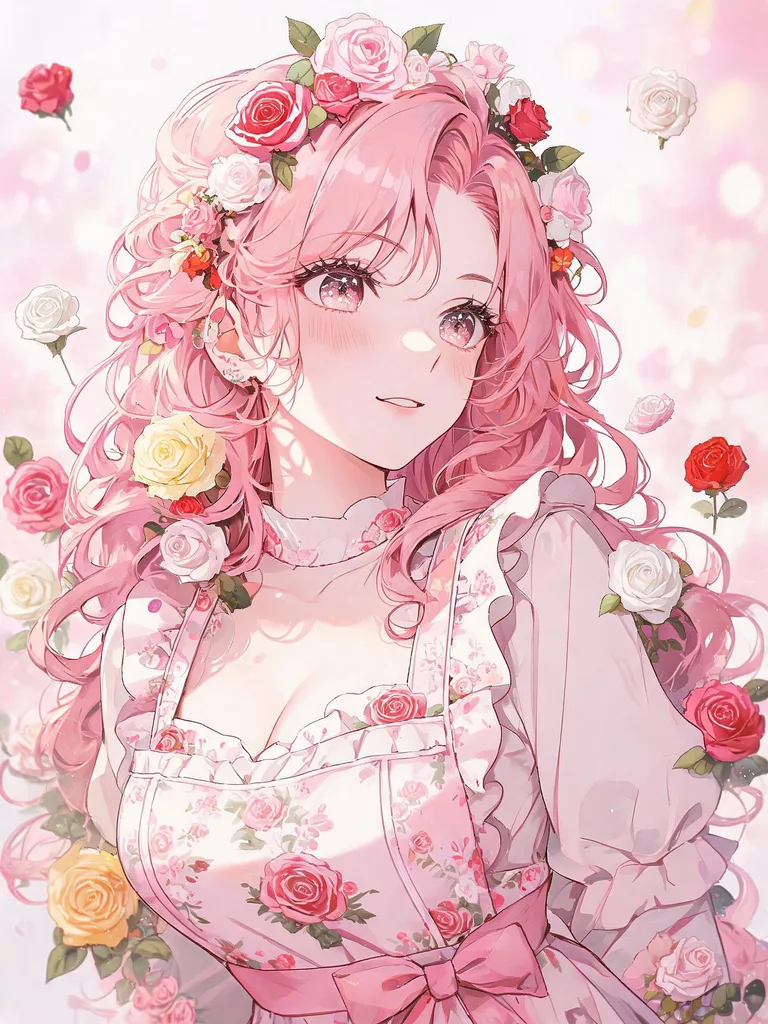
What photo-to-anime means
An AR camera filter overlays effects on a live image. Photo-to-anime instead redraws your photo as an illustration — lines, colour and shading are redone in an illustrated idiom, so you get a savable artwork rather than a temporary effect.
Steps (about 10 seconds)
Open SUPPART → upload a photo → pick an anime-leaning style → generate → save. The flow is the same on iOS, Android and the web; the app lets you pick straight from your camera roll.
Photos that convert cleanly
Clear face, even light, simple background. Strong backlight, heavy blur, overlapping groups and small faces are unstable. Front or three-quarter angles reproduce eyes and hair better than side selfies. Crop tightly before retrying.
Choosing the style
The same photo changes completely with style. Crisp lines survive small profile pictures; detailed shading suits display pieces; watercolour reads softer; pixel art gives a retro look. Browse community posts to see a style before using it.
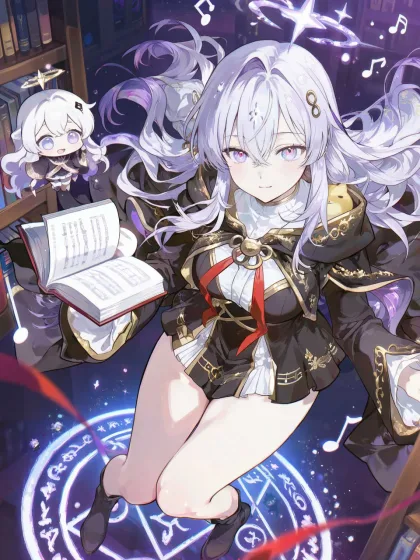
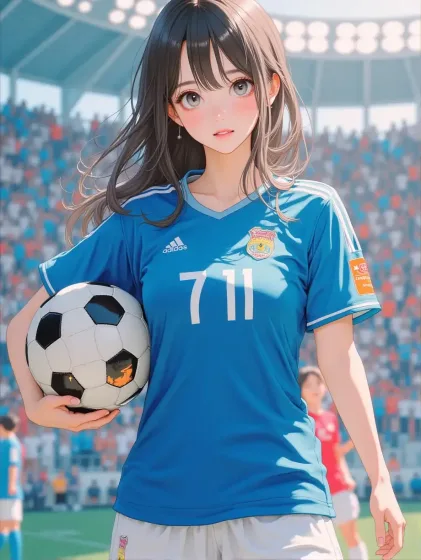
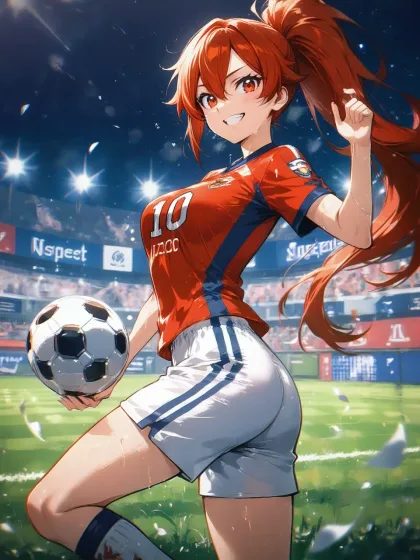
Making a good profile picture
Profile pictures render small, so favour compositions where the face fills the frame. Square-crop the result for X, Instagram, Discord or LINE. Busy backgrounds sink the face at small sizes — pick a quieter style or ask for a simple background.
What is free
Free to start with signup credits, and photo-to-anime needs no separate purchase. Membership and coins add volume, watermark-free HD saves and member-only styles.
Common problems and fixes
If it looks like a different person, use a photo with a larger, more frontal face. If it feels stiff, change style first. If the background is noisy, crop or specify a simple one. If hands break, avoid compositions with prominent hands. Change one variable at a time.
Rights
Handling of generated works is set out in the copyright policy and terms. You need consent to use someone else photo, and imitating real people or third-party characters is not appropriate.
Read next
Making AI art on your phone, the AI avatar guide, and the app comparison table.